
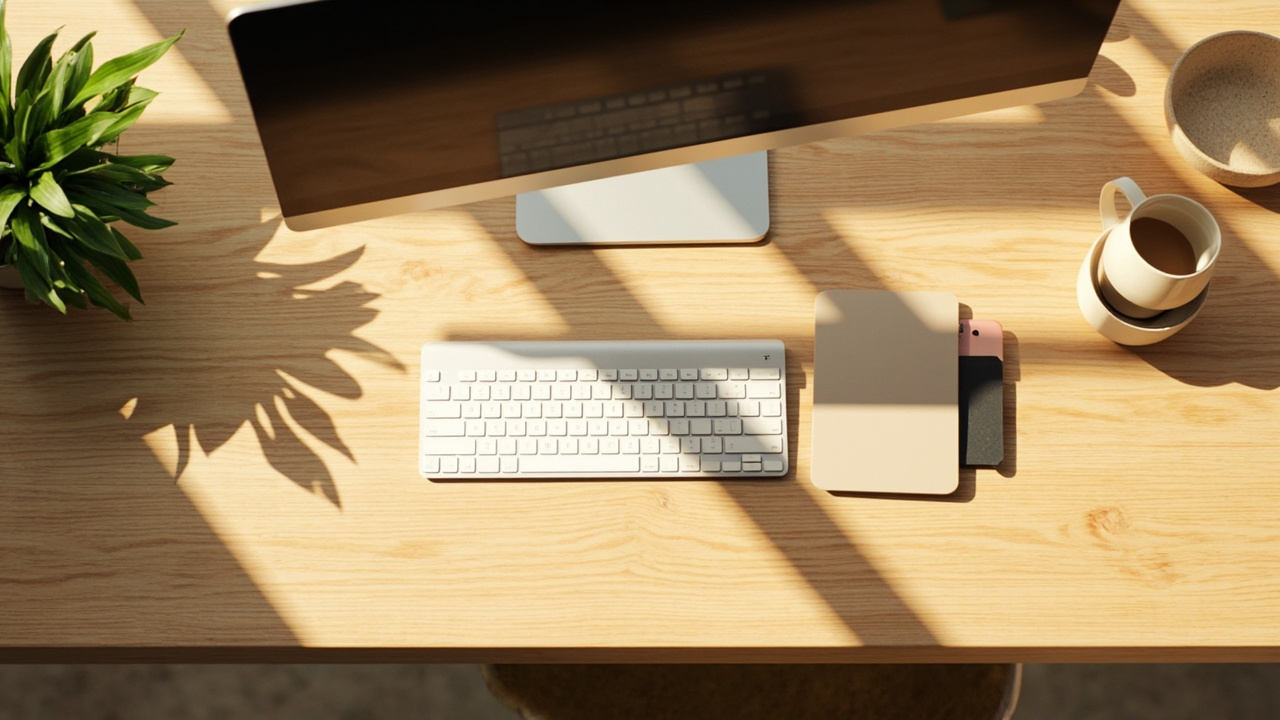
Choosing a desk comes down to four things: size, shape, material, and price. When you choose a desk, getting those four factors right means everything else falls into place. This guide breaks down how to choose a desk with specific numbers so you can skip the vague advice and find a desk that actually fits your space and workflow.
Quick Picks
| Pick | Desk | Price | Best For |
|---|---|---|---|
| Best Overall | SHW Mission 48” Desk | $90 | Standard home office, single or dual monitor |
| Best Budget | DUMOS 48” with Drawers | $56 | Small budget, needs storage |
| Best Value Large | Coleshome 60” Computer Desk | $70 | Dual monitors, wide workspace |
| Best for Small Spaces | Furinno Simplistic | $22 | Apartments, laptop-only use |
| Best Premium | VASAGLE L-Shaped Desk | $130 | Multitasking, corner placement |
Desk Size: The Most Important Factor
Desk size determines what fits on your workspace and how comfortable you are during long hours. The two measurements that matter are width (left to right) and depth (front to back).
Width
| Use Case | Minimum Width | Recommended |
|---|---|---|
| Laptop only | 36 inches | 42 inches |
| Single monitor + keyboard | 42 inches | 48 inches |
| Dual monitors | 55 inches | 60 inches |
| Dual monitors + paperwork | 60 inches | 72 inches |
Width is the first number to check. A 48-inch desk like the SHW Mission fits a 27-inch monitor with a keyboard tray area and a notepad. If you run two monitors, jump to 55 inches minimum — the Huuger 55-inch at $80 handles dual screens without crowding.
For wide workspaces, the Coleshome 60-inch desk at $70 gives you breathing room. Sixty inches means dual 27-inch monitors plus space for a notebook, a coffee mug, and a desk lamp.
Depth
Depth affects how far you sit from your screen and whether your arms reach the keyboard comfortably.
- Under 20 inches: Only suitable for writing or tablet use. Too shallow for a monitor setup.
- 20 to 24 inches: Works for single monitors. Your eyes stay 20 to 26 inches from the screen, which is ergonomically correct.
- 24 to 30 inches: Ideal for dual monitors or users who spread out with documents, drawing tablets, or large keyboards.
Most standard desks are 24 inches deep. This is the minimum for a comfortable monitor setup. If you use a drawing tablet or regularly reference physical documents, look for 28 to 30 inches of depth.
Height
Standard desk height is 28 to 30 inches. Here is a quick reference:
| Your Height | Recommended Desk Height |
|---|---|
| Under 5’4” | 26 to 28 inches |
| 5’4” to 6’0” | 28 to 30 inches |
| Over 6’0” | 30 to 32 inches |
If your desk is too high, your shoulders creep up and cause neck tension. Too low and you hunch forward. An electric standing desk like those in our best electric standing desks list adjusts to any height, solving this problem entirely.
Desk Shape: Rectangular vs L-Shaped vs Corner
Rectangular Desks
Rectangular desks are the most common and affordable option. They work against any wall and fit in rooms where you face one direction. The SHW Mission 48” is a standard rectangular desk that costs under $90 and takes 15 minutes to assemble.
Best for: single-task users, small rooms, budgets under $100.
L-Shaped Desks
An L-shaped desk wraps around a corner and gives you two work surfaces. One wing holds your computer, the other holds reference materials, a secondary screen, or a writing area. The VASAGLE L-Shaped Desk at $130 offers 51 by 51 inches of total surface in a corner-friendly footprint.
L-shaped desks cost 20 to 40 percent more than rectangular desks of the same material. Assembly takes longer — plan for 45 to 60 minutes.
Best for: multitaskers, corner placement, dual-screen workflows.
Standing Desks
Standing desks adjust in height from sitting to standing position. Electric models move at the push of a button. Manual models use a pneumatic lift. See our best standing desks guide for full recommendations.
Standing desks start around $150 for basic electric models and go up to $600 for premium builds with memory presets. They solve the height problem entirely since they adjust to your body.
Best for: users who alternate between sitting and standing, shared desks, ergonomic setups.
Desk Materials: What Lasts and What Doesn’t
Material choice affects durability, weight capacity, and price. Here is how the common options compare.
Solid Wood
Solid wood desks (oak, walnut, maple, pine) are the most durable option. A well-maintained solid wood desk lasts 15 to 20 years. They resist scratches, support heavy loads (often 200+ pounds), and look better as they age.
Downside: price. Solid wood desks start at $200 and go well above $500. They are also heavy — 60 to 100 pounds — making them hard to move alone.
Engineered Wood
Engineered wood (also called composite wood or manufactured wood) is made from wood fibers pressed and bonded with resin. It is denser and more moisture-resistant than MDF. Most mid-range desks in the $60 to $150 range use engineered wood tops with steel or wooden frames.
Engineered wood desks last 5 to 10 years with normal use. They handle spills better than MDF but can still chip at the edges if knocked.
MDF (Medium Density Fiberboard)
MDF is the cheapest desk material. It is smooth, uniform, and takes paint well, but it is also the least durable. MDF scratches easily, swells if liquid sits on it, and has lower weight limits (usually 50 to 100 pounds).
MDF works fine for light use — a laptop and a few books. But if you put a heavy monitor, a printer, and reference materials on an MDF desk, the surface may sag over time. The Furinno Simplistic at $22 uses MDF and is rated for light use only.
Steel Frame Desks
Steel frame desks pair a metal frame with a wood or MDF top. The steel frame adds stability and increases weight capacity. Most desks under $100 — including the SHW Mission and DUMOS 48” — use this construction. Steel frames resist wobbling and support 100 to 200 pounds.
Storage: Do You Need Drawers or Shelves?
Storage adds cost but also convenience. Here is when each type matters:
Drawers
Drawers keep pens, cables, notebooks, and small items out of sight. The DUMOS 48” with Drawers includes fabric drawers at $56 — one of the cheapest desk-and-drawer combos available. Drawers add $20 to $40 to the price of a comparable desk without storage.
Hutches
A hutch sits on top of the desk and provides vertical shelving for books, supplies, or small decorative items. The downside: hutches reduce overhead clearance and can make a workspace feel cramped. They work best in dedicated home offices, not shared spaces.
Open Shelves
Open shelves under the desk hold a PC tower, books, or a printer. They are cheaper than drawers but expose everything. The Coleshome 60” has a simple shelf design that works for a tower PC.
No Storage
If you already have a filing cabinet, bookshelf, or drawer unit near your workspace, a bare desk surface is fine. It costs less and looks cleaner. The SHW Mission has no built-in storage but pairs well with an under-desk drawer unit.
Weight Capacity: Check Before You Buy
Weight capacity ranges from 50 pounds (budget MDF desks) to 300+ pounds (solid wood and heavy steel frame desks). Add up everything that will sit on your desk:
| Item | Approximate Weight |
|---|---|
| 27-inch monitor | 10 to 15 lbs |
| Laptop | 3 to 5 lbs |
| Desktop PC tower | 20 to 30 lbs |
| Printer | 15 to 25 lbs |
| Books and supplies | 5 to 20 lbs |
| Monitor arm (dual) | 10 to 15 lbs |
A dual-monitor setup with a laptop, printer, and books totals 55 to 85 pounds. Make sure your desk is rated for at least 30 percent more than your total load. The SHW Mission supports 100 pounds. For heavier setups, look for desks rated at 200 pounds or more.
Assembly: What to Expect
Most desks ship flat-packed and require assembly. Here is a realistic time estimate:
| Desk Type | Assembly Time | Tools Needed |
|---|---|---|
| Basic rectangular (no storage) | 15 to 30 min | Included Allen wrench |
| Rectangular with drawers | 30 to 45 min | Allen wrench + Phillips screwdriver |
| L-shaped desk | 45 to 60 min | Allen wrench + Phillips + helper |
| Standing desk (electric) | 30 to 45 min | Allen wrench + Phillips |
| Solid wood desk | 45 to 90 min | Drill recommended |
Heavier desks (60+ pounds) are easier to assemble with two people. Some L-shaped desks weigh over 80 pounds when fully assembled.
Cable Management
A desk with cable management keeps cords organized and off the floor. Features to look for:
- Grommet holes: 1 to 2-inch holes in the desk surface for routing cables
- Cable trays: metal baskets that attach under the desk to hold power strips and excess cable
- Leg channels: built-in channels in the desk legs that hide cords
Budget desks under $50 rarely include cable management. Mid-range desks ($60 to $150) often have at least one grommet hole. Premium desks include cable trays or full leg channels.
How to Match Your Desk to Your Room
Measure Before You Buy
Measure the wall where the desk will go, then subtract 6 inches on each side for clearance. If the wall is 72 inches wide, the largest desk that fits is 60 inches.
Also measure the depth of the room. A 60-inch desk in a 48-inch-deep room leaves only 18 inches of walking space behind the chair — too tight. Aim for at least 30 inches of clearance behind your chair.
Room Layout
- Against a wall: Rectangular desk works best. Face the door if possible — this is the most productive orientation according to office ergonomics research.
- Corner placement: L-shaped desk maximizes corner space. You get two work surfaces while keeping the center of the room open.
- Center of room: Standing desks work well in the center since they look good from all angles. Rectangular desks in the center can feel awkward.
Matching Existing Furniture
Match your desk material to your other furniture. If your bookshelf is walnut, a walnut or dark oak desk ties the room together. If your room is mostly white or light gray, a white desk or light wood desk fits better. See our best desks guide for specific options.
Common Desk Buying Mistakes
Buying Too Small
The number one mistake is choosing a desk that is 6 to 12 inches too narrow for your actual needs. Measure your current setup — monitor, keyboard, mouse, notepad, phone — then add 12 inches of buffer. If you are between sizes, go larger.
Ignoring Weight Capacity
A cheap desk rated for 50 pounds will sag under a dual-monitor setup plus a desktop PC. Always check the weight rating and compare it to your actual equipment weight.
Skipping Cable Management
Desks without grommet holes or cable trays leave cords draped over the edge and tangled under the desk. This looks messy and creates a trip hazard. If your budget desk has no cable management, buy a $10 under-desk cable tray separately.
Choosing Style Over Function
A beautiful desk that is too small, too shallow, or too flimsy will frustrate you daily. Prioritize size and durability first, then narrow down by appearance within the functional options.
Where to Go From Here
Now that you know how to choose a desk, check these guides for specific recommendations:
- Best Desks for Home Office — Our top-rated desks across all price ranges
- Best Small Desks — Compact options for apartments and dorms
- Best Corner Desks — L-shaped and corner-fitting designs
- Best Desks with Hutch — Desks with built-in overhead storage
- Best Electric Standing Desks — Height-adjustable options for sitting and standing
- Best Gaming Standing Desks — Standing desks built for gamers